To easily send coupons, you can either:
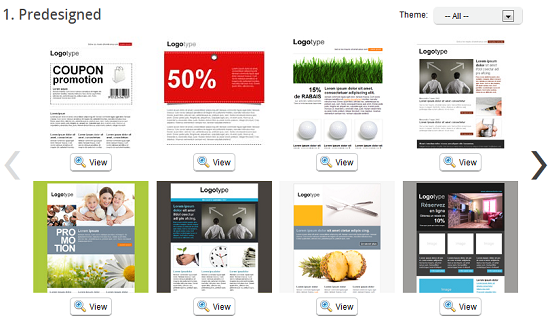
- Use one of our predesigned templates, designed for this purpose and customize it as you wish.
OR
- Add a coupon block to a predesigned or standard template. To do so:
-
If your template is already created, go to the "Templates" menu. Click the "Edit" option of the actions menu located at the right of your templat's row.
If your template is not yet created, go to the "Templates" menu and select "Add Template". You can then choose any of our predesigned or standard templates.
-
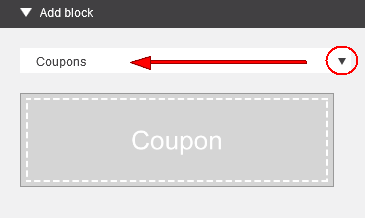
In the "Add block" sidebar, locate the "Coupons" category in the block category selector.
-
Simply Drag-and-Drop the Coupon block in your template.
- Do not forget to save your template!